Screenshot Summarizer
Turn Screenshots Into Clear, Actionable Summaries
Instant summaries from screenshots


See Screenshot Summarizer In Action
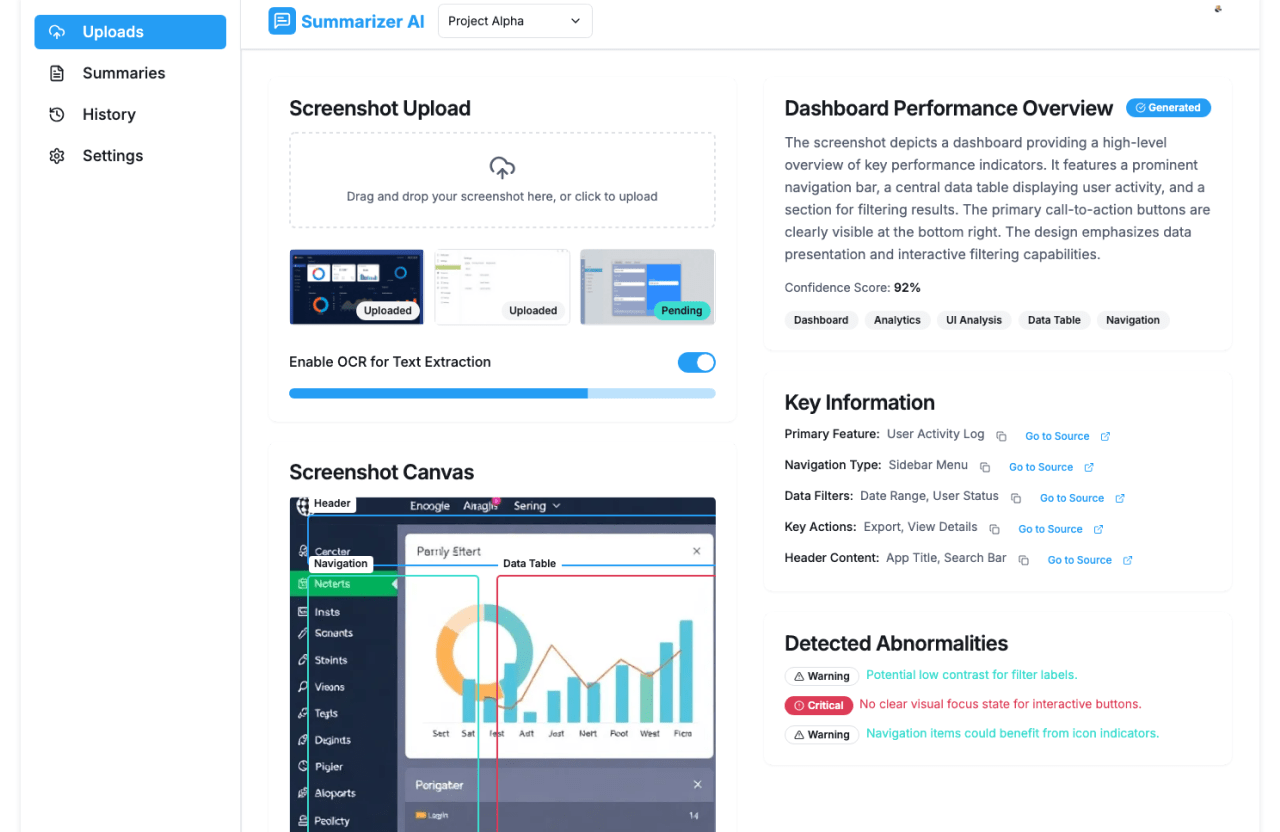
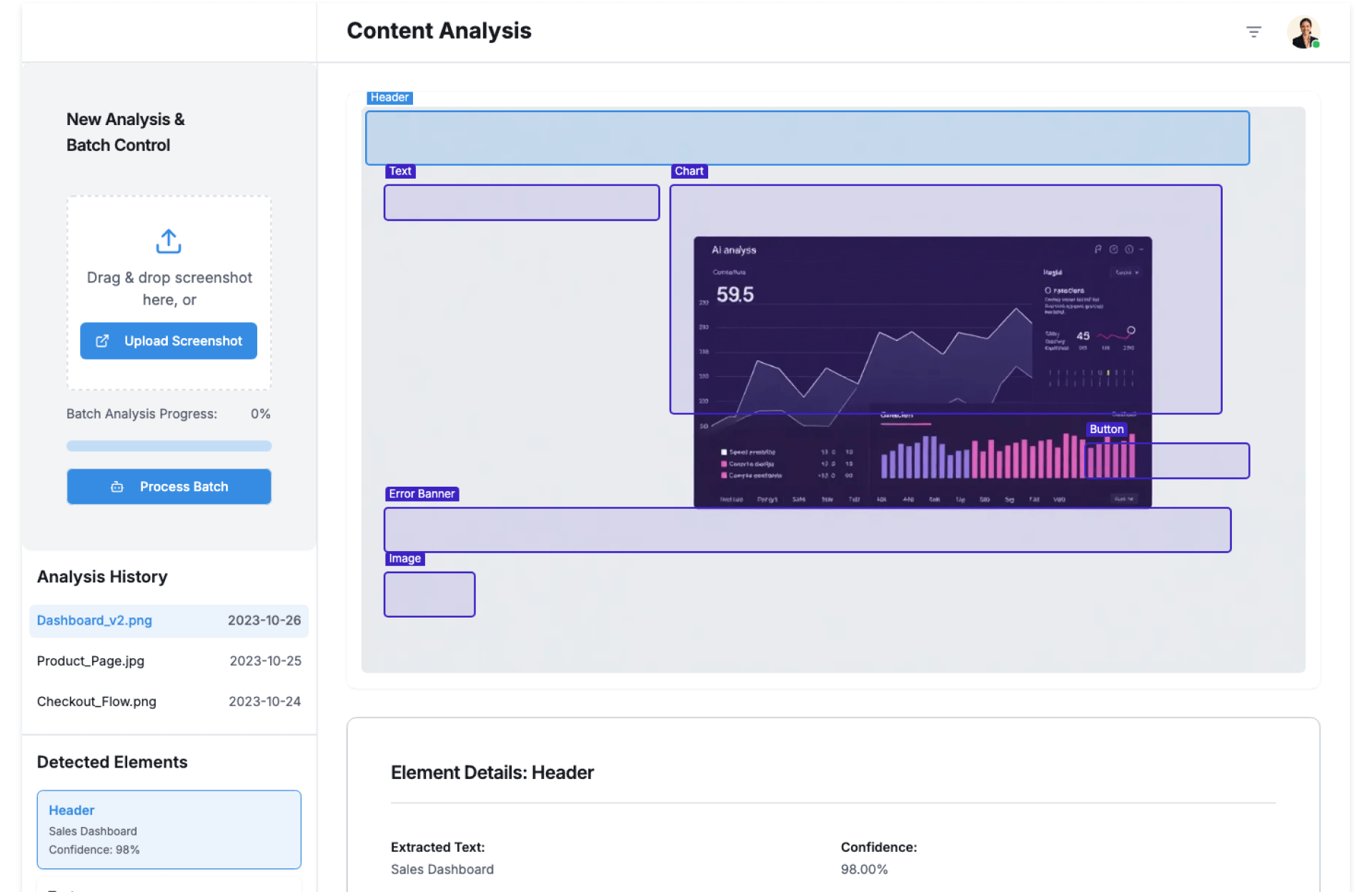
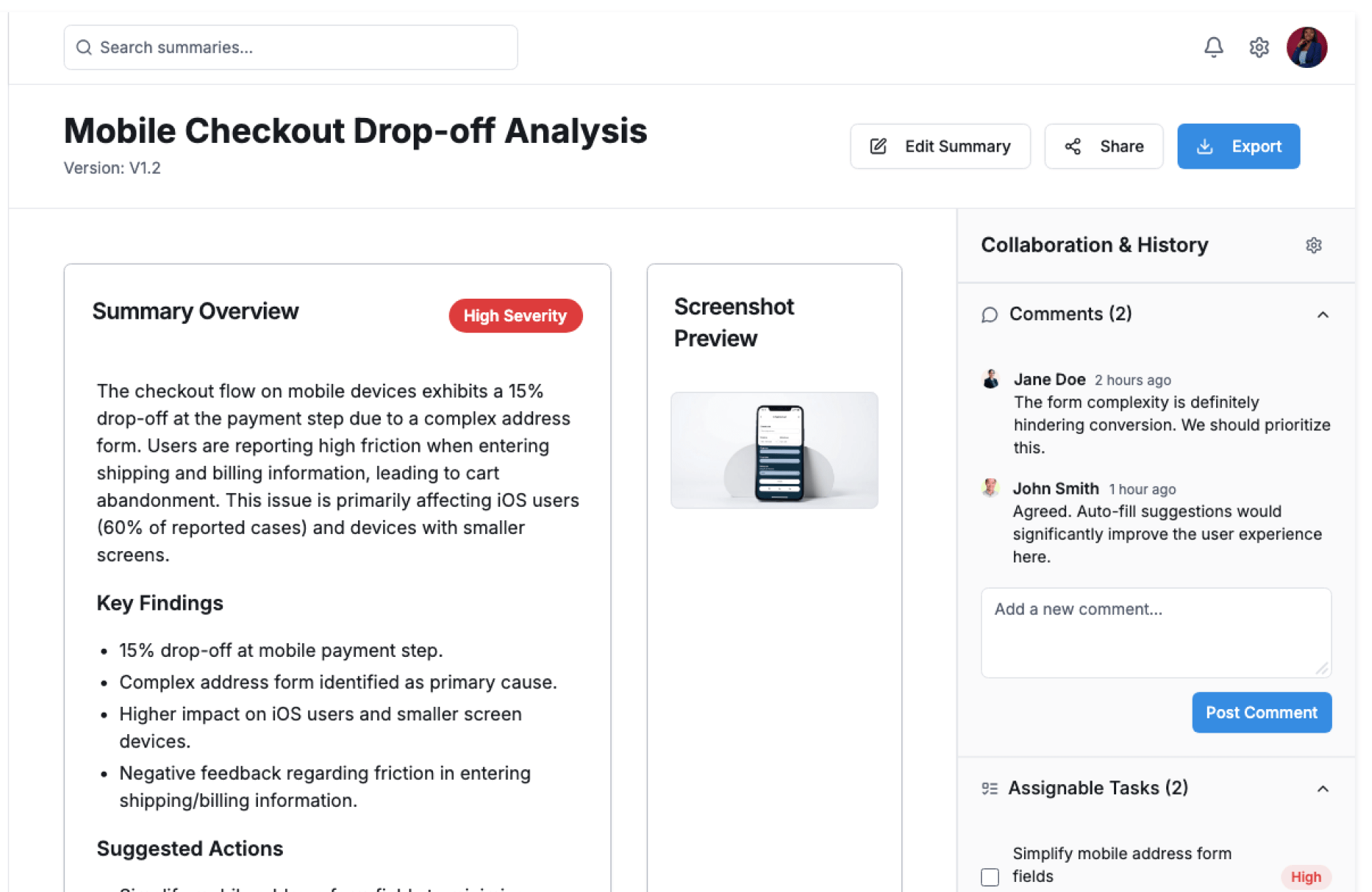
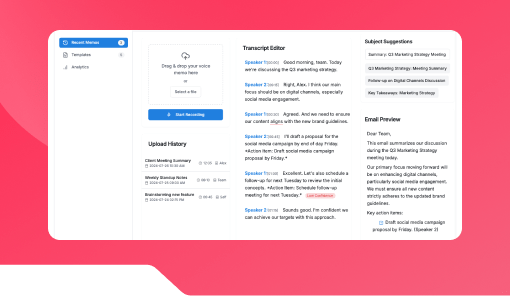
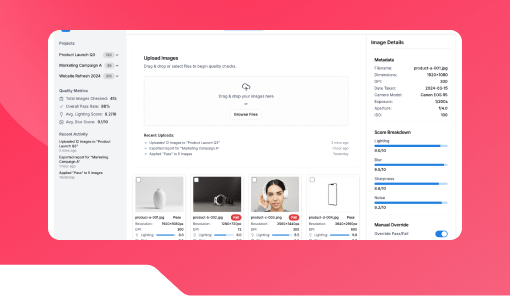
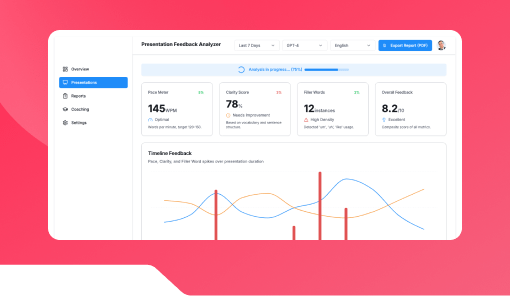
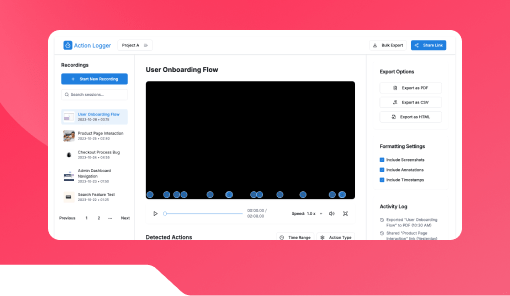
The Screenshot Summarizer by Kriatix converts screenshots into concise summaries by extracting visible text and key context. Whether it’s a dashboard snapshot, error screen, chat capture, or slide image, it saves time by turning visuals into readable insights.
Built for speed and clarity, it helps teams understand and act on screenshots instantly.
🔹 Start Free Trial
🔹 Book a Demo
🔹 Request Pricing
What Is the Screenshot Summarizer?
The Screenshot Summarizer is a ready-to-use tool that analyzes screenshots, extracts text and context, and generates a short, structured explanation. It eliminates the need to manually describe screenshots in emails, tickets, or documents.
It works across education, support, product, and operations teams.
Who Is It For?
| Role | How They Benefit |
|---|---|
| Students | Summarize screenshots of notes or slides |
| Teachers & Trainers | Explain visual material quickly |
| Support Teams | Convert screenshots into clear tickets |
| Product & QA Teams | Document bugs and UI issues faster |
| Founders & CXOs | Get quick context without deep dives |
Key Features
- Automatic text extraction from screenshots
- Context-aware summary generation
- Works with dashboards, chats, errors, and slides
- Editable summaries before sharing
- Batch screenshot processing
- Export-ready summaries
- Role-based access and controls
Benefits
- Save time explaining visual information
- Improve clarity in communication
- Reduce back-and-forth follow-ups
- Speed up issue reporting and reviews
- Make screenshot content searchable
- Scale documentation effortlessly
How It Works
- Upload Screenshot – Share a screen capture
- Analyze Content – Detect text and visual context
- Generate Summary – Create a concise explanation
- Review & Edit – Make quick adjustments if needed
- Share or Store – Use across tickets, notes, or docs
Add-ons & Integrations
- Image-to-Text Extractor
- Content Summarizer for Lectures
- Faculty Meeting Summary Tool
- Ticketing & Support Systems
- LMS & Documentation Platforms
Deployment & Access
- Web-based summarization interface
- Cloud-hosted or on-premise deployment
- Secure image and text handling
- Role-based access and permissions
What Our Partners Are Saying

"Company AI-powered interfaces have been praised for their usability ,Through exhaustive research and advanced automation, Kriatix made the application fluid, accessible, and future-ready for all users. The team adapted quickly to deliver complex AI-driven tasks and independently developed creative, detailed solutions. Their AI chatbot services stood out in particular — seamlessly integrating conversational AI that enhanced user engagement and streamlined support."
Amit Kumar
Co-Founder, Venture Transform Strategy Consulting LLP

"Kriatix.ai delivered the AI-powered application on time, leveraging Agile methodology to ensure flexibility and efficiency. The team conducted bi-weekly demos, keeping the project transparent and aligned with our goals. Using Jira, GitHub, and Slack, they maintained flawless communication and streamlined project management.Their integration of AI chatbots for real-time feedback loops accelerated our release cycle by nearly 25% and reduced manual validation efforts by 40%, resulting in a smoother, faster, and higher-quality delivery."
Sumit Kumar
CEO, HImalayan Basket Private Limiteds

"The AI-powered website delivered by Kriatix.ai is both visually appealing and high-performing they built a website that not only impressed us with its sleek design but also outperformed our expectations in speed and functionality. Their team worked as true partners—creative, experienced, and highly attentive to every detail.By integrating AI personalization and intelligent chatbots, the website now adapts to user behavior in real time, leading to a 35% increase in engagement and a 25% reduction in support queries."
Sneha Das
CEO, Ittisa
"Kriatix.ai completed the deliverables with excellence, often going the extra mile by suggesting AI-driven alternatives to our change requests. The workflow was seamless, with the team being timely and proactive in addressing every issue. They set realistic expectations, built intelligent automation into our processes, and delivered results with superb quality.Their AI chatbot integration not only streamlined support but also improved responsiveness, ensuring our users always received accurate and instant assistance."
Gururaj Mahale
Director of Growth Marketing, SYNERGOS
Frequently Asked Questions
What types of screenshots are supported?
Dashboards, slides, chats, error screens, and documents.
Does it extract text automatically from screenshots?
Yes. All visible text is detected and analyzed.
Can summaries be edited before sharing?
Yes. Users can review and modify summaries.
Can multiple screenshots be summarized together?
Yes. Batch summarization is supported.
Is screenshot data secure?
Yes. Enterprise-grade security and access controls apply.
Ready to Automate Smarter with Kriatix?
Build next-gen, AI-powered apps and workflows—faster, smarter, and tailored to your industry.
Get StartedRelated Products